
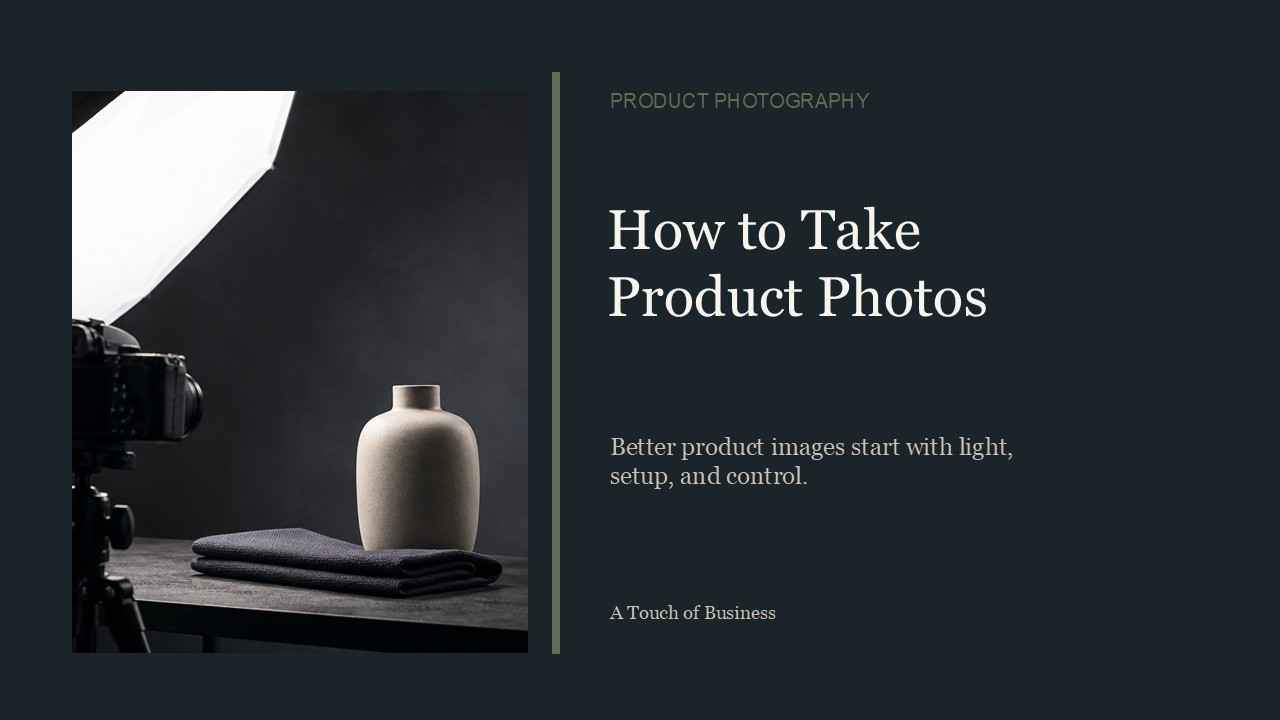
This post covers what small business owners need to know about taking product photos.
Good photos matter more than most owners realize. Studies show products with high-quality photos can see conversion rates 30% to 94% higher than products with low-quality images.
Below, you’ll find the key decisions to make before your first shoot, from equipment to lighting to background.
Do It Yourself or Hire a Pro?
If you run an e-commerce site with thousands of products, it’s worth developing your own photography skills.
If you only have a few photos to take, you can hire a professional instead. It may cost a few hundred dollars, but if you’re busy and don’t have time to learn, that may be the better option.
Define Photo Style
It’s important to define a style for the photos you’ll be taking.
Some of the considerations include:
- Photo size
- Background type
- Single angle or multiple angle photos
- Color or black-and-white
- Image resolution
Keeping your photos similar in style and size matters most for an e-commerce site, where many products are displayed side by side.
Will Your Photos Tell a Story?
You may be wondering what it means for a photo to tell a story.
For example, if you’re selling shoes, you might show a model wearing them on a night out. That implies the shoes are for dressing up.
Or instead of just showing a bottle of cologne, place it against a dark background with a man standing in front of an expensive car. That image implies the cologne is for men with expensive tastes.
Light, Light and More Light
To get good photos, it’s all about light.
Natural Light Versus Artificial Light: Which is Better?
Even though cameras were originally designed around natural light, technology has come a long way. Today you can manipulate light in many ways.
Here are a few distinctions:
- Natural light reduces the need for reflectors and diffusers. It’s also easier for a novice photographer.
- Natural light is unreliable. Some days are bright and sunny, while others are cloudy with less light.
- Natural light limits your shooting time. You can’t shoot before sunrise or after sunset, and midday light looks very different from sunset light.
- Artificial light gives you control over ambiance through different types of bulbs.
- Artificial light lets you work anytime, regardless of weather.
Shadows
You don’t want shadows in your product images. You can eliminate them with a reflector.
Use a white box, a piece of bristol board, or a purchased reflector. Place it on the side of the product with the shadow to bounce light back and remove the shadow.
Uneven lighting is another common issue. A diffuser reduces the intensity of the light, giving your product a more consistent and natural look.
Play With Your Space
Consider where you’ll take your photos. Will you shoot outside? Do you have a dedicated room, or will you need to set up your own studio?
Avoid working in a tight space, since it’s hard to get the shot you need. A 10×10 foot room is usually enough for a small product studio.
This won’t work for larger items. If you deal with motorcycles or other large products, you’ll need a garage or outdoor setting instead.
Photo Studio Considerations
Here are some tips for setting up your photo studio.
Rent or Build a Studio
If you only have a limited number of photos to shoot, consider renting a studio for a few hours. Renting saves you the space, time, and money it takes to build your own.
Fixed Location or a Portable Studio
Depending on your needs, you may want a portable studio or one set up permanently at home or at work.
A portable studio works well for events, such as trade shows where you need to photograph new products on the spot.
Studio equipment typically includes lights, light modifiers, reflectors, diffusers, stands, backgrounds, a step ladder, fans, a tripod, clamps, and sometimes a coffee table or stool.
If you’re shooting with natural light from a window, lighting placement in your space matters. Make sure you have enough power outlets to plug in lights and fans discreetly, and add shelving away from the shoot area to keep the studio tidy.
Create a Bright Background
The best background depends on your taste.
It should complement your product, not compete with it. Try a few colors, including plain white, and see what works best on your site.
If you’d rather use a photo or scene behind your product, a green screen makes it easy to swap one in after the shoot. Programs like Photoshop can select the green color and cut out your product in seconds.
AI removal tools, such as Remove.bg or Photoroom, offer a faster option. They can strip the background out automatically, without needing a green screen setup at all.
White is harder to key out cleanly than green, which is why a screen or an AI tool tends to work better for these swaps.
Camera Considerations
Depending on your needs, you may need dedicated camera equipment. If you only have a few photos to take and a decent phone, your phone camera may be all you need.
If you run an e-commerce site with thousands of photos, a dedicated camera is worth the investment. Most photographers buying their first interchangeable-lens camera today are pointed toward mirrorless models, since camera makers are focusing new lenses and features there. A DSLR can still produce excellent results and is often a lower-cost option on the used market.
A dedicated camera gives you more control over the outcome, reducing how much editing you need to do afterward.
If you’re shopping for a camera, consider the following features:
Screen Display
A large screen lets you preview your shot before you take it.
Sensor
A larger sensor captures better photos in low light.
Interchangeable Lenses
The lens makes a big difference in your results. Look for a camera that lets you change lenses as your needs grow.
Autofocus Feature
Autofocus helps you avoid out-of-focus shots.
Low Noise Processor
A low noise processor reduces graininess in low-light photos, letting you shoot with less lighting.
Raw Capture
Raw capture gives you a file intended for editing in software like Photoshop.
Connectivity
Look for a camera that transfers images over WiFi or Bluetooth, so you can move photos to your computer or phone quickly.
Key Points and Facts About Product Photography
- High-quality product photos are linked to significantly higher conversion rates than low-quality images.
- You can shoot with a phone for a small catalog, or a dedicated camera for a large one.
- Light is the most important factor in a good photo, whether natural or artificial.
- Reflectors and diffusers fix shadows and uneven lighting.
- A green screen or an AI background removal tool makes it easy to swap backgrounds.
Action Steps for Product Photography
Plan Your Shoot
- Decide whether to shoot the photos yourself or hire a professional.
- Define a consistent style: size, background type, angle, and resolution.
Set Up Your Space
- Choose a location with enough room for your products.
- Gather lighting equipment, including reflectors, diffusers, and a tripod.
Shoot and Edit
- Take photos in consistent lighting conditions.
- Remove or replace backgrounds using a green screen or an AI background removal tool.
Checklist for Product Photography
- Decide DIY or hire a pro
- Weigh your budget against the number of photos you need.
- Define your style
- Pick a consistent size, background, and angle for every photo.
- Set up your lighting
- Choose natural or artificial light, and have reflectors or diffusers ready.
- Choose your space
- Find or build a space large enough for your products.
- Pick your background
- Test a few colors, including white, before committing.
- Select your camera
- Use a phone for a small catalog, or a dedicated camera for a larger one.
FAQ: Product Photography
Do I need a professional camera to take product photos?
- No. A decent phone camera works well for a small number of products. A dedicated camera becomes worth it once you’re shooting in high volume.
Should I use natural or artificial light?
- Both work. Natural light is easier for beginners but limits your shooting hours. Artificial light costs more upfront but lets you shoot anytime.
How do I remove the background from my product photos?
- You can shoot against a green screen and cut it out in Photoshop, or use an AI background removal tool like Remove.bg or Photoroom for a faster result.
References:
- Canon Rumors — DSLR vs. Mirrorless Cameras in 2026: Which Should You Buy?
- Unique Photo — Mirrorless vs DSLR for Beginners: What to Buy in 2026
- Young Urban Project — 13 Best AI Background Remover Tools in 2026
- Toolworthy.ai — Best AI Background Remover Tools 2026 — Free & Paid
- Blendnow — Do Product Photos Increase Sales? Data for Small Brands
- GrabOn — 50+ eCommerce Product Photography Statistics (2026)